


JetBrains IDE Plugin
Flexible for Daisy UI: Autocomplete & Component Browser
Autocomplete daisyUI classes and insert ready-made components from a browser with live preview, right inside your JetBrains IDE.
IntelliJ IDEA · PyCharm · WebStorm · CLion · + All JetBrains IDEs (2023.3+)
- 440+
- daisyUI classes with completion
- 65
- Components in the browser
- 35
- Preview themes
01
Smart Autocomplete
Complete more than 440 daisyUI classes in HTML, JSX, Vue and CSS.
- Component class groups: type
btnand seebtn-primary,btn-secondary,btn-outlineand all size variants - Modifier classes for color, size, shape and state, with documentation
- Works in class attributes,
classNameprops, template literals and Tailwind@apply
02
Component Browser
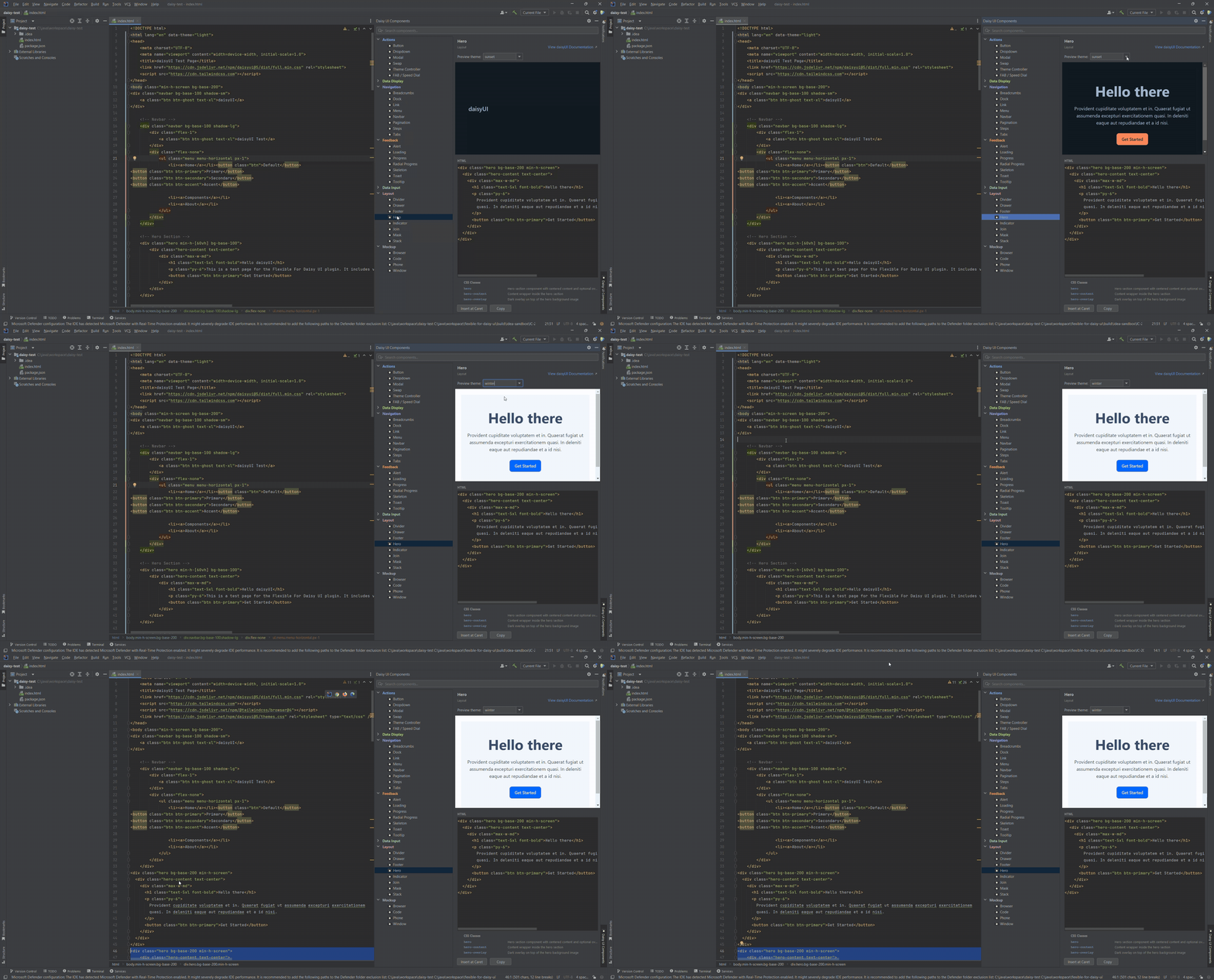
Browse the daisyUI components in the Daisy UI Components tool window.
- Filter by category or search by name
- Select a component to see how it renders
- Drag it into your editor, or click Insert
03
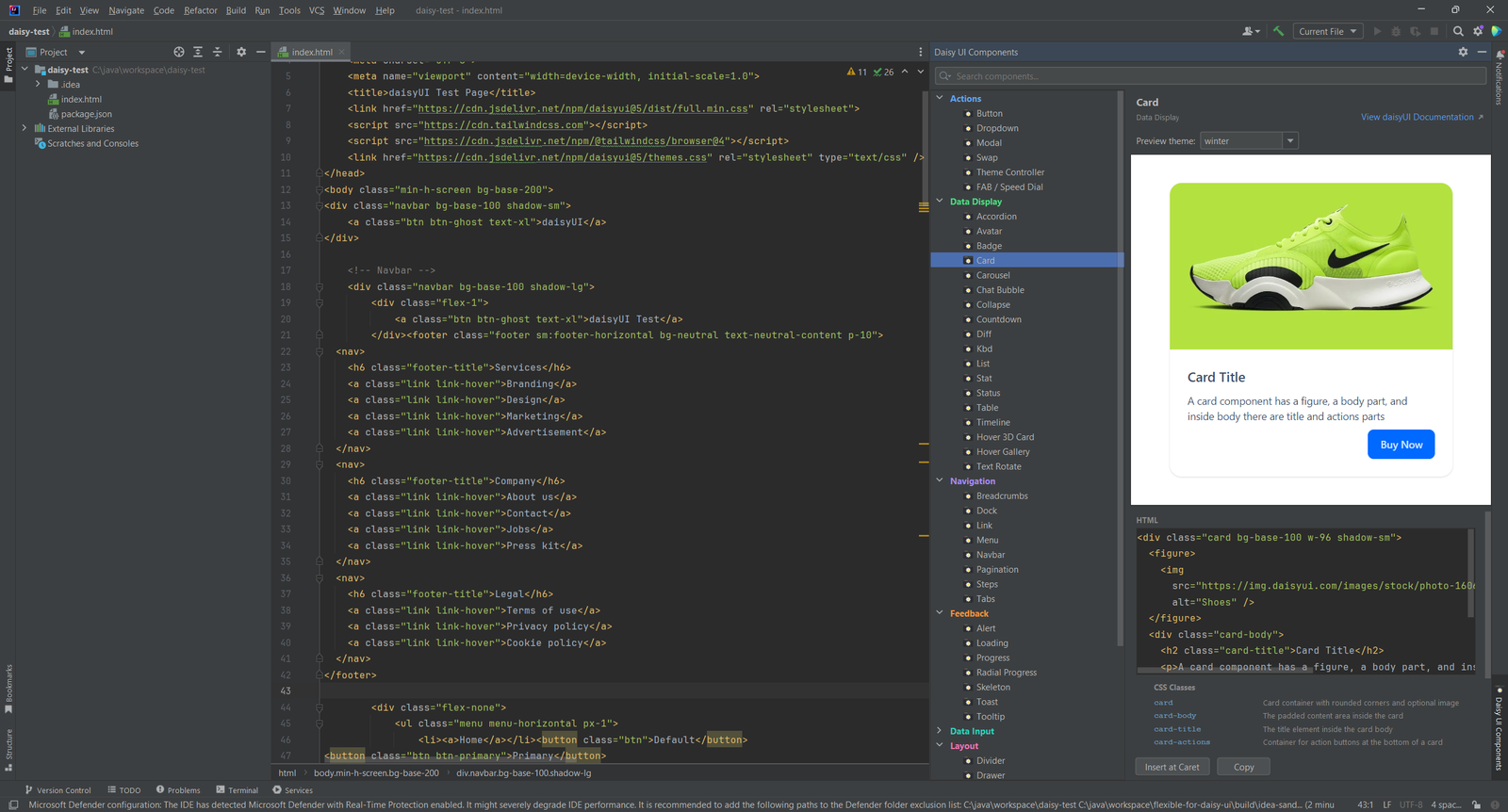
Live Preview in 35 Themes
See exactly how each component renders before you insert it. Switch the preview between 35 built-in themes, such as light, dark, cyberpunk and synthwave.
04
Smart Snippet Insertion
The plugin adapts the inserted snippet to the file you are editing.
- HTML files: adds the daisyUI CDN links to the head and inserts the snippet at the caret
- JSX and TSX files: converts
classtoclassNameandfortohtmlFor, and self-closes void elements - Vue files: inserts inside the
<template>section - CSS files: shows a warning instead of pasting raw HTML
05
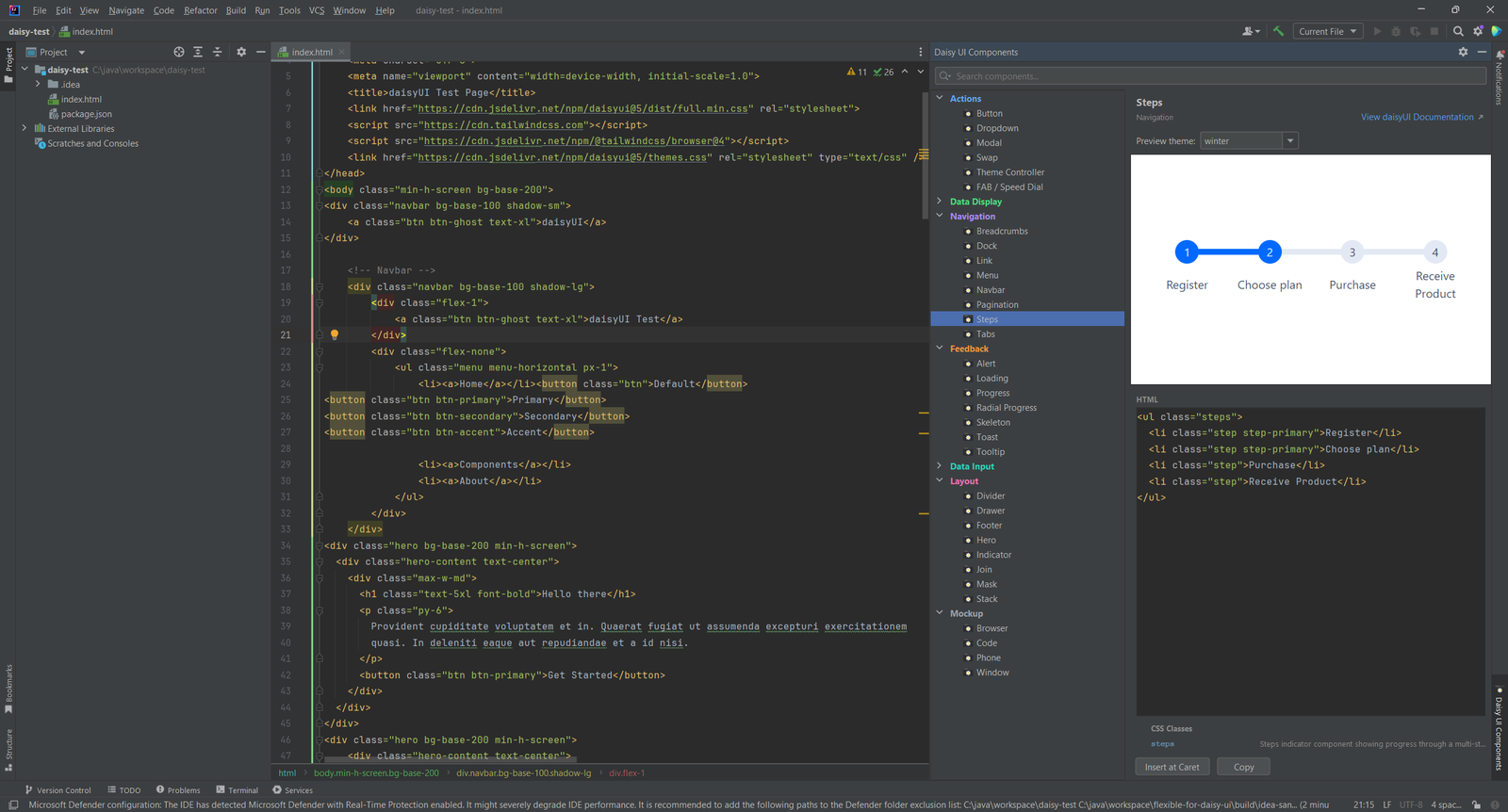
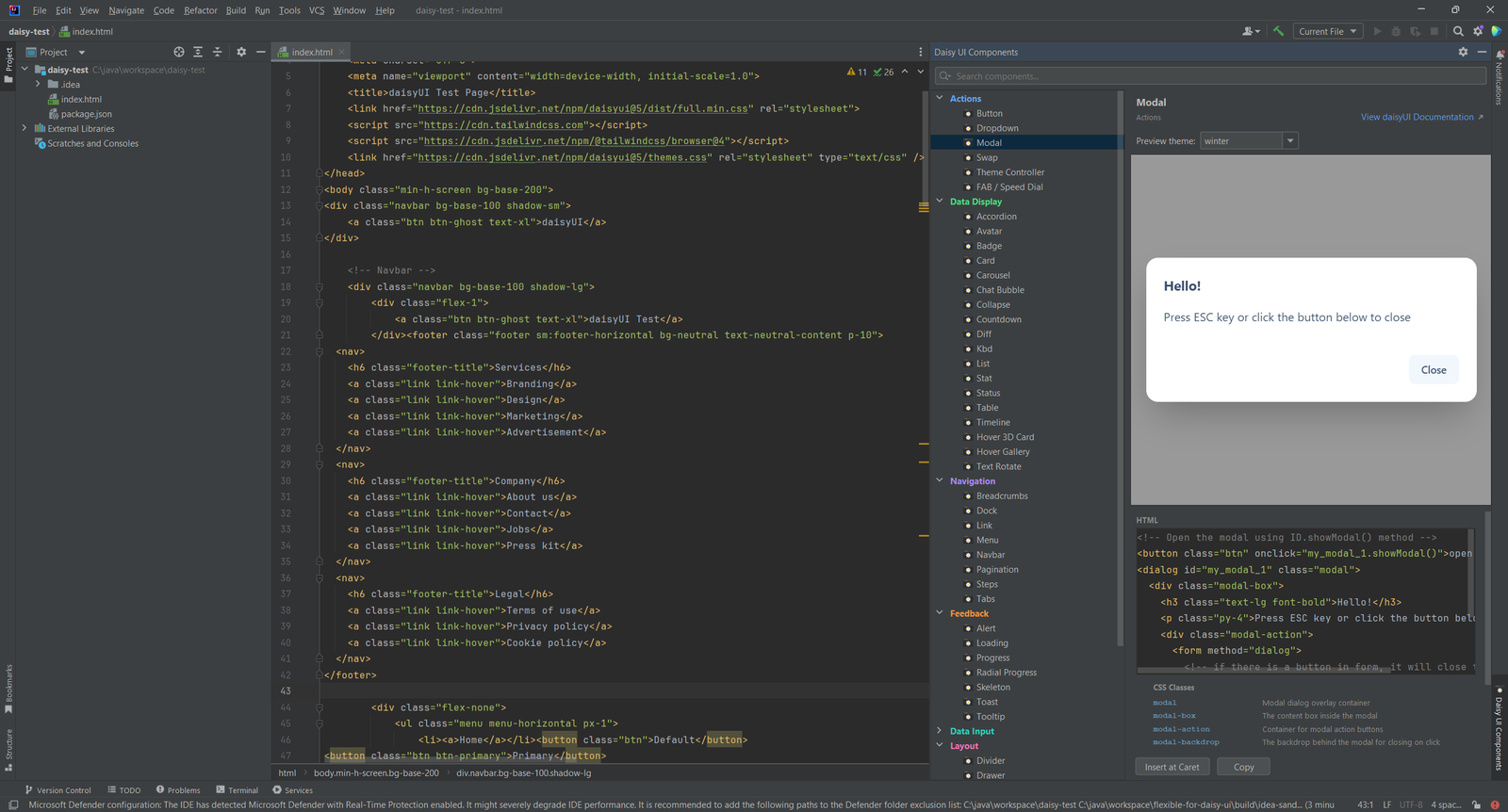
65 Components in 7 Categories
The browser holds 65 production-ready components in 7 categories: Actions, Data Display, Navigation, Feedback, Data Input, Layout and Mockup. The plugin bundles the complete daisyUI v5 class library and component definitions, so you need no project setup.
06
Hover Docs and Class Inspections
Hover over a daisyUI class, or press Ctrl+Q, to see its description and whether it is a component, a modifier or a utility. A link opens the official daisyUI page.
The unknown class inspection highlights typos and class names that do not exist. Ctrl+Click on a class name jumps to its documentation.
Simple, Transparent Pricing
Flexible for Daisy UI is a one-time purchase. Buy through JetBrains Marketplace.
Individual
For solo developers
$9.90one-time
Pay once through JetBrains Marketplace
- 440+ daisyUI classes with completion
- Component browser with 35 preview themes
- Smart snippet insertion for HTML, JSX and Vue
- Hover docs and unknown class inspection
TEAMS
Organization
For teams and companies
$19.90one-time
Pay once through JetBrains Marketplace
- Everything in Individual
- For teams and companies
- One-time purchase, no subscription
- Buy through JetBrains Marketplace
Open source contributors and individual developers: Contact us for discounts. We support the community.