PC migration over your network An ilscipio app

Hopover

Move to your new PC. All of it.

Apps, settings, WSL, SSH keys, env vars and files, straight over your network. Keep working while it runs. When it's done, sit down at the new PC and carry on. Free to move, pay on delivery.

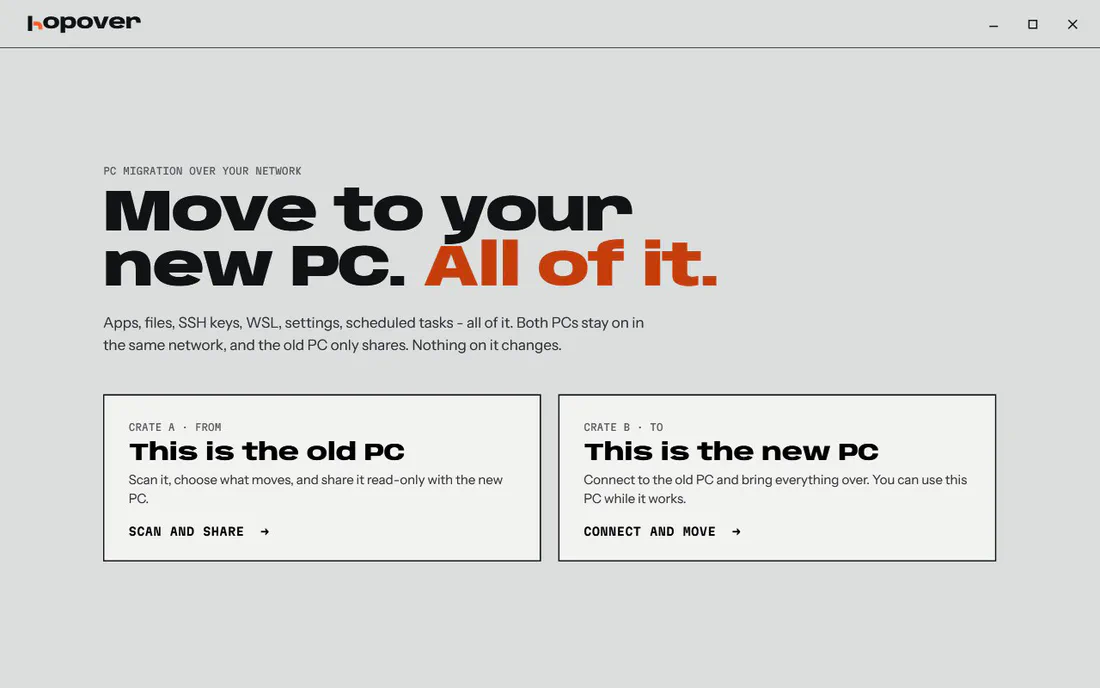
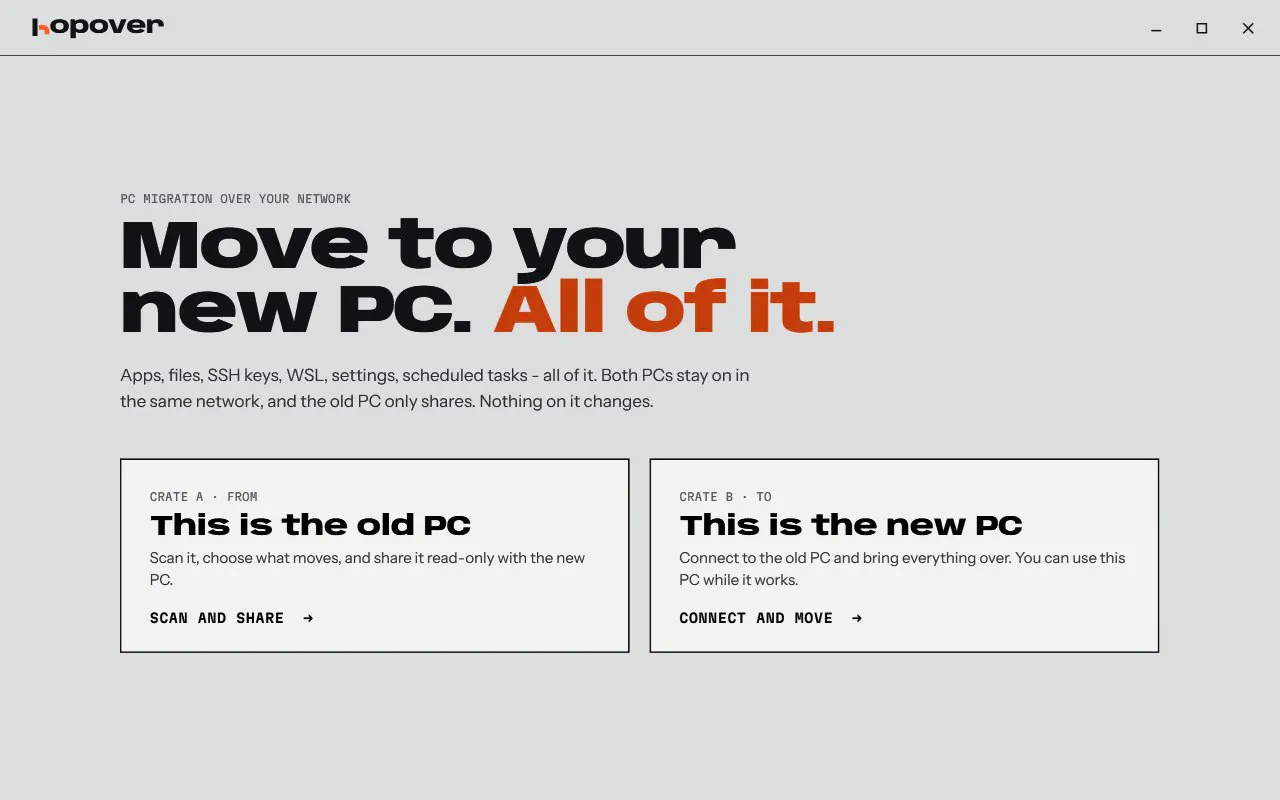
The start screen. Move to your new PC, all of it.

What it does

Your apps

Reinstalled through winget, Chocolatey and the Store, with Visual Studio workloads. A program with no installer moves as a folder.


Your dev setup

WSL distros, Docker volumes, PostgreSQL, env vars and PATH, SSH keys, saved git logins, npm and pip tools, scheduled tasks.

Your Windows settings

Taskbar, Start pins, wallpaper, theme, desktop layout, Explorer, sounds, night light, mouse, keyboard, languages, region, power plan, notifications, privacy, Wi-Fi, hosts file and Windows features.

Your app settings

All of AppData and the registry entries that go with it, so your apps still know you.

Your files

Your profile, your folders and your other drives. Big repos are no problem, and neither are junctions and symlinks.

Your caches, if you want them

Gradle, npm, uv, Playwright and IDE indexes each get a line in the list. Tick them and skip the big download.

Why it's different

Your old PC stays in use
Work as usual during the move. One click on Catch up fetches what changed since.
Nothing gets thrown away
If a file changed on both PCs, the new PC keeps its version. The other one waits for you in C:\hopover-held.
Look before you leap
Preview first writes everything Hopover would do to a text file. Read it, then decide.
A cable beats the router
One LAN cable from PC to PC and choose Direct cable. No router, no setup, and more than 200 MB/s in my own move.
Stop any time
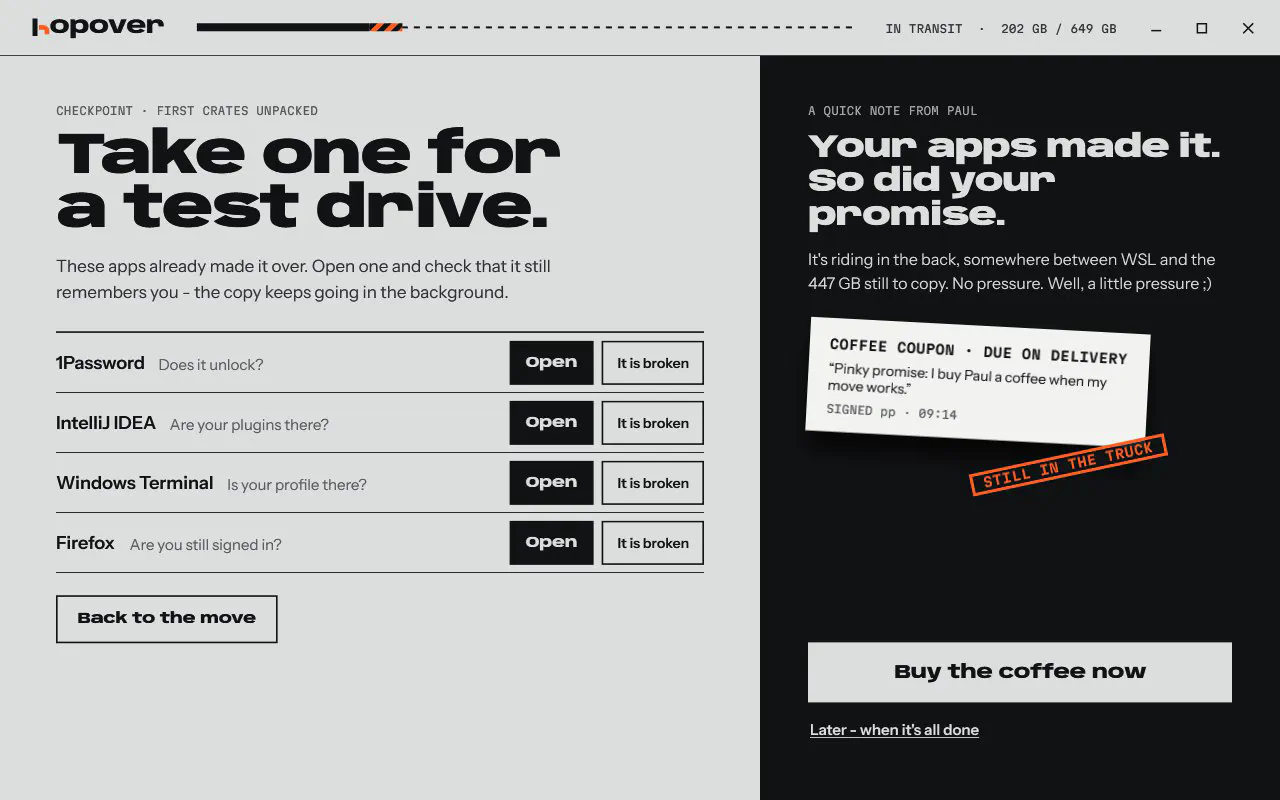
Close Hopover and come back tomorrow. It picks up where it stopped.

How to move

1. On your old PC
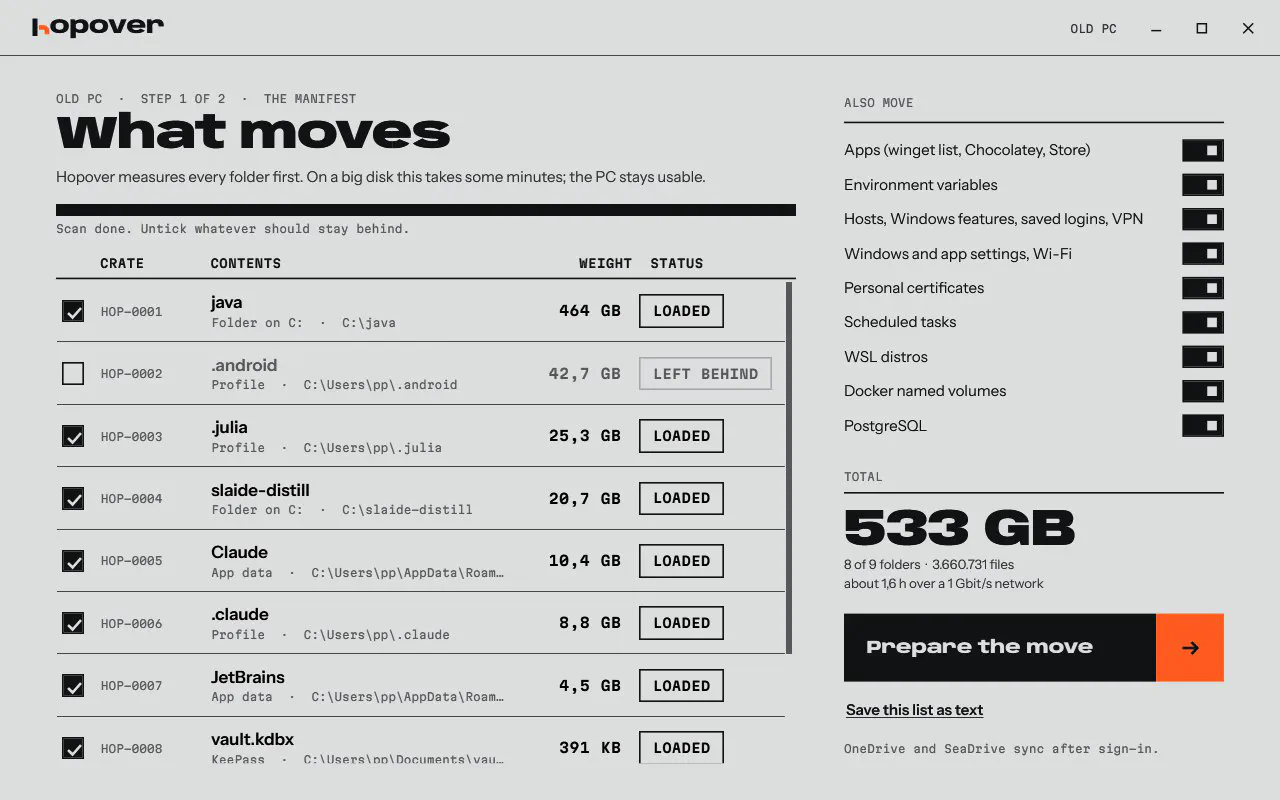
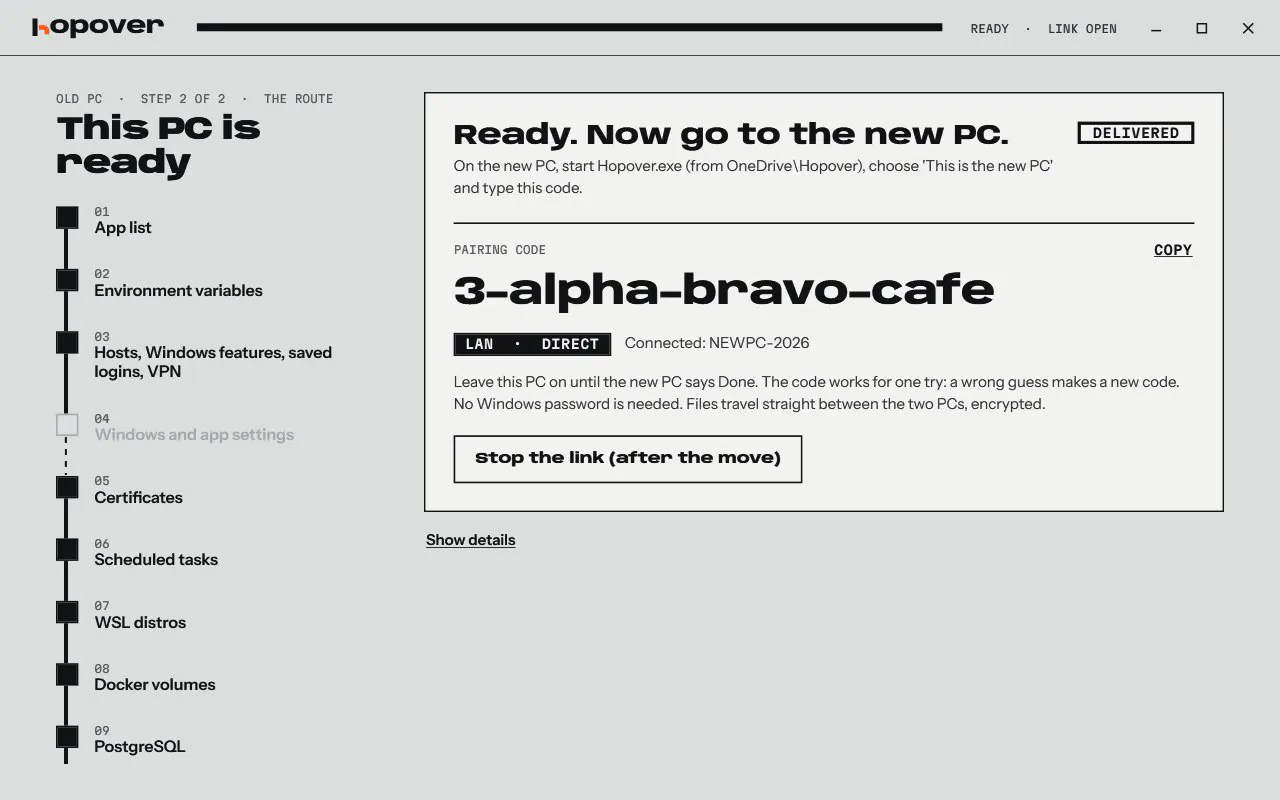
Start Hopover and click This is the old PC. The pairing code shows up right away. Untick what stays behind and click Prepare the move.
2. On your new PC
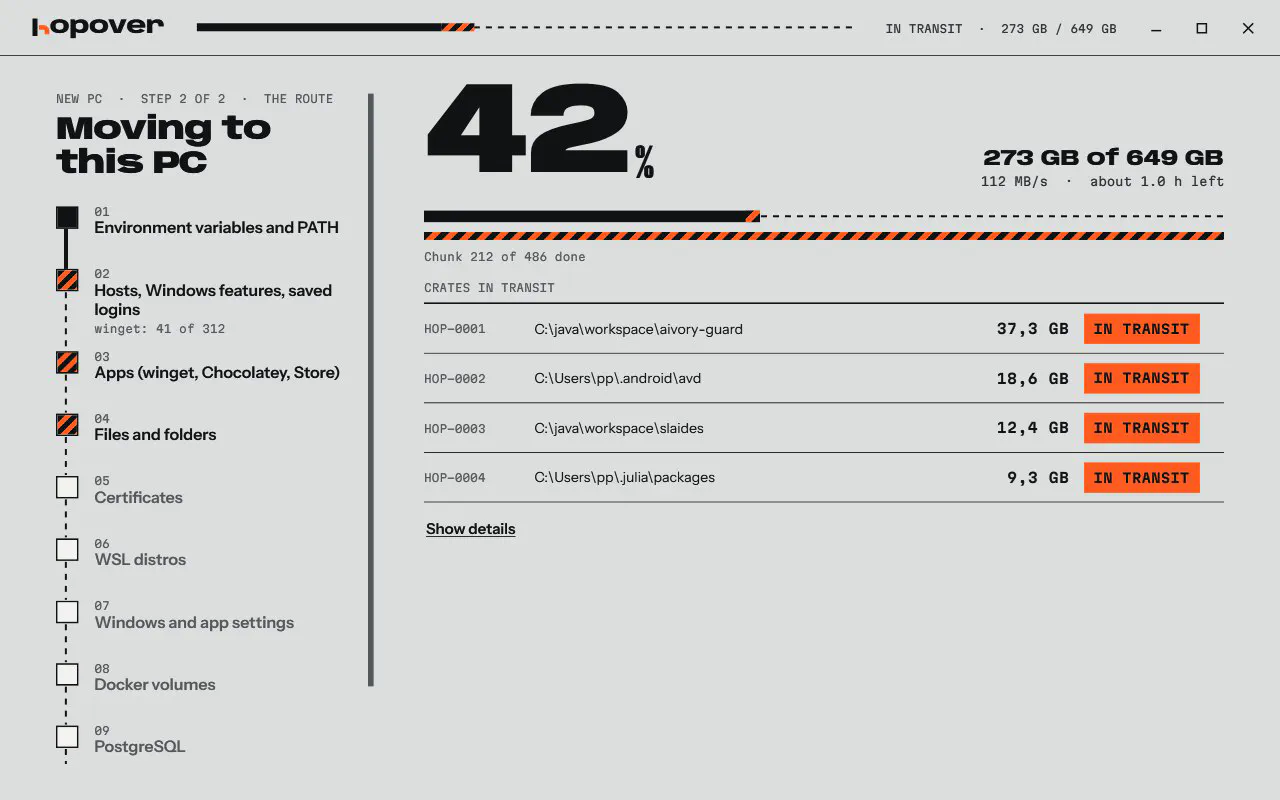
Start Hopover, click This is the new PC and type the code. It waits for the old PC. Click Start the move.
3. When you're ready to switch
Click Catch up with the old PC one last time, then Sign in to your accounts. Hopover opens each one in turn, password managers first.
Before you start
Hopover is young, so keep a backup of anything you can't lose. The exe isn't signed yet, so Windows warns you once. Docker images come back with your next pull, and browser profiles sync after you sign in.

Price, privacy, devices

Price
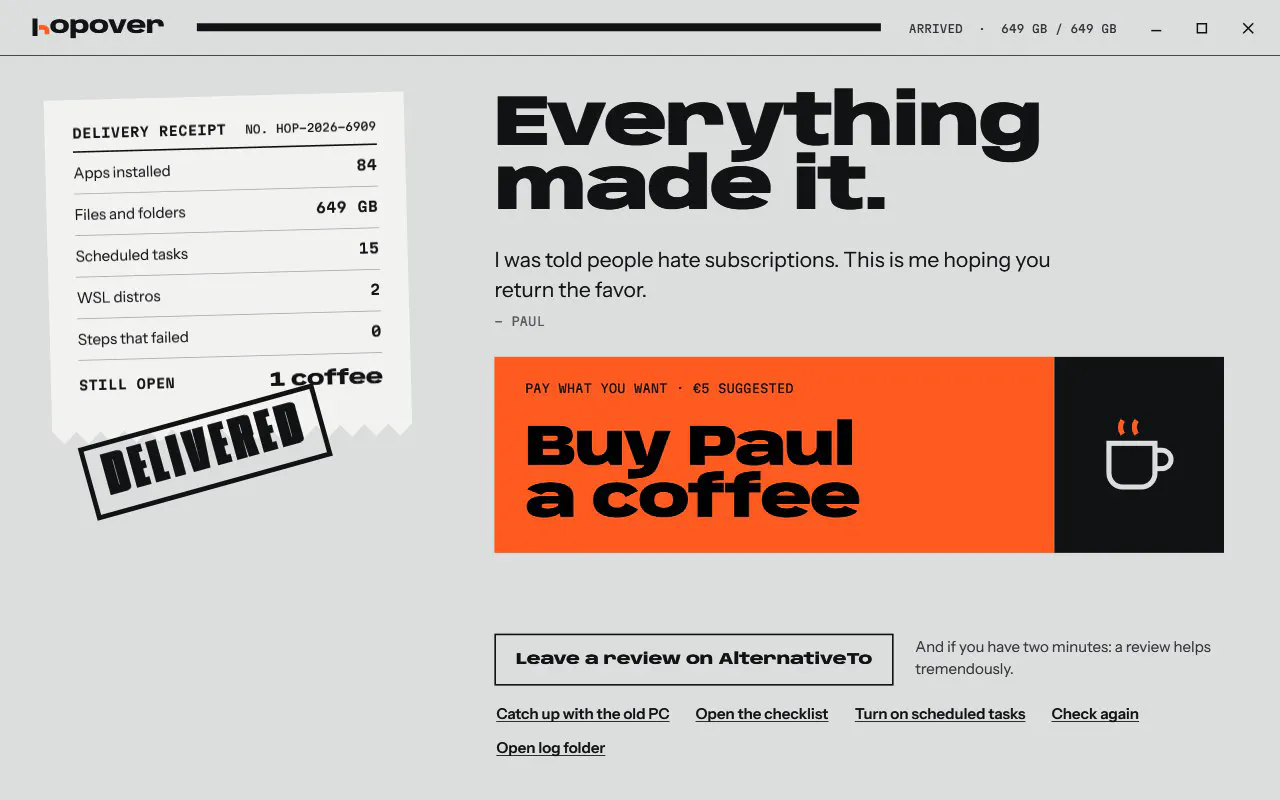
Free. If your move works, we'd like a coffee, or a review and a star on GitHub. If it fails, open a ticket on GitHub.
Privacy
No account and no tracking. Your files travel directly between your two PCs, encrypted. For a move over the internet, a small meeting point only swaps addresses and counts meetings per day.
Devices
Windows 10 and Windows 11, on both PCs. One file, nothing to install.